> For the complete documentation index, see [llms.txt](https://tutorials.wow-jack.com/llms.txt). Markdown versions of documentation pages are available by appending `.md` to page URLs; this page is available as [Markdown](https://tutorials.wow-jack.com/profile-manager/create-a-profile/black-spots.md).
# Black Spots
{% hint style="info" %}
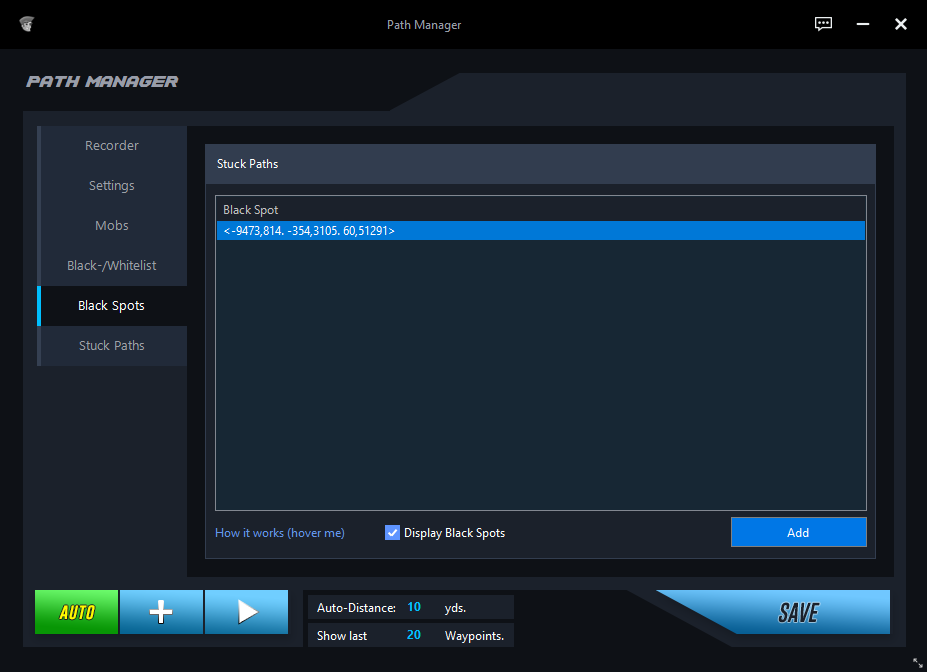
With Black Spots you can specify areas and their size that Jack should ignore.
{% endhint %}
* Click in-game on an object or an NPC or target yourself.
* Hold CTRL + Mousewheel to to reduce or enlarge the radius.
* Click on the "Add" button to add the Black Spot to your profile.
{% hint style="info" %}
Anything within this radius will be ignored by Jack in this profile.\
If Jack is attacked by a mob within this radius, Jack will still defend himself.
{% endhint %}